
Multi-chain Assets
Understand how balances belong to specific networks, why address similarity can be misleading, and how confirmations establish the final on-chain state.
Understand multi-chain networks →
A multi-chain wallet, blockchain network and Web3 knowledge hub from imtoken
Manage multi-chain assets, choose networks, send and receive, connect to DApps, review approvals, learn how networks work, and build safer wallet habits through clear, verifiable workflows.
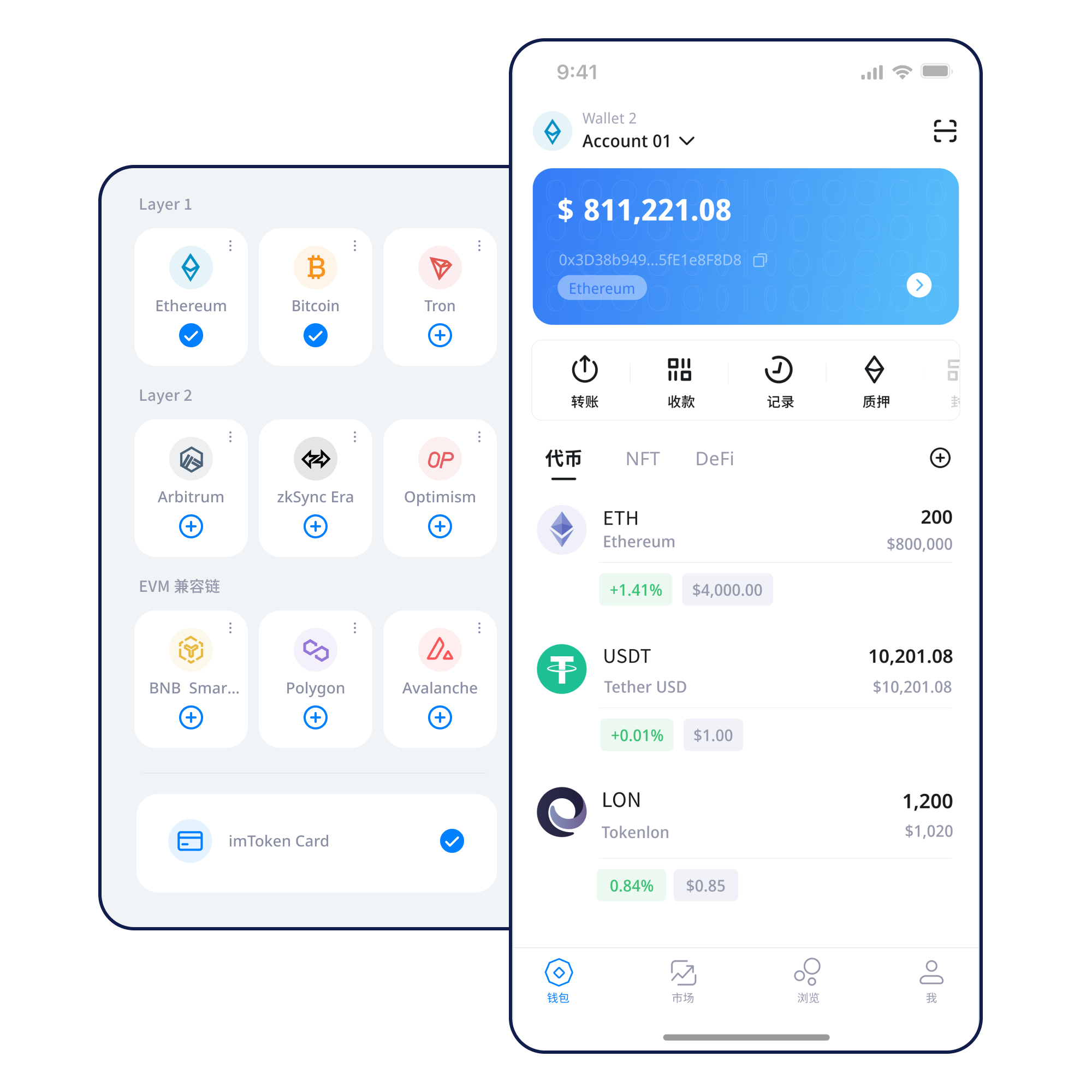
Understand how balances belong to specific networks, why address similarity can be misleading, and how confirmations establish the final on-chain state.
Understand multi-chain networks →Use a repeatable order for address, network, amount, gas and transaction-hash checks.
Open the transfer guide →Mobile wallet access for network management, balances, transaction history and DApp use.
Browser connections, account requests, DApp access, approval review and session disconnects without asking users to enter seed phrases or private keys on a web page.
Explore Web connections →
Build durable habits around seed phrases, private keys, offline backups and approvals.
A wallet can display several networks, while each balance still belongs to a specific chain. Re-check the network, gas asset and history whenever you switch.
Continue →
Nodes, blocks, transactions and confirmations explain why activity can be independently checked through a blockchain explorer.
Learn about public chains →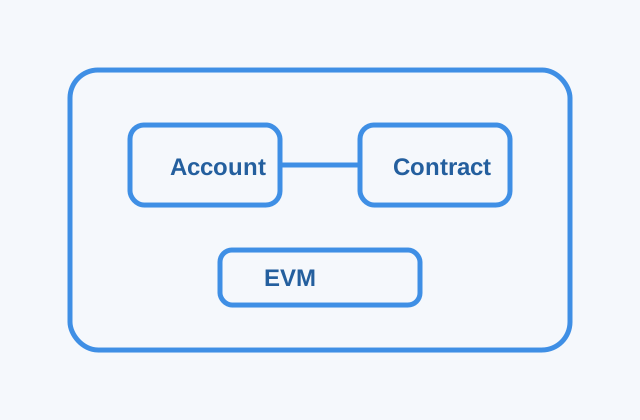
EVM networks share many account and contract concepts, but network parameters, gas assets and state remain separate.
Understand EVM →
Layer 2 systems expand processing capacity. Cross-layer transfers can involve bridges, waiting and multiple confirmation stages.
Explore Layer 2 →Fee settings affect transaction economics, but they do not guarantee instant confirmation. Check actual network conditions and on-chain status.
Read the confirmation guide →Use a trusted path to the download page and avoid unknown installation links.
Choose the account purpose and only handle recovery credentials in a trusted wallet environment.
Store the seed phrase offline and never share a private key with anyone.
Verify network, address format and gas asset before you move funds.
Check the address, network and amount, then confirm the transaction on-chain.
Read DApp requests and periodically remove approvals you no longer need.
Connecting a wallet does not mean you should accept every request. Confirm the site, account request, signature purpose and approval scope first.
Open the complete Web3 guide →Wallet security depends on repeated basics: keep recovery credentials under your control, verify DApp domains, understand every signature and approval, check the address/network/amount before sending, and review remaining permissions afterwards. Verifiable steps are more useful than absolute security promises.
Open the Security Center →Addresses identify accounts, seed phrases and private keys relate to control, networks determine where balances exist, gas pays for execution, transaction hashes help verify status, and DApps use signatures and approvals to interact with smart contracts. Understanding the connections matters more than memorizing isolated terms.
Start learning →Learn Ethereum PoS, validator roles, reward sources, network status, withdrawals and exits. Staking outcomes depend on protocol and network conditions and should not be treated as fixed returns.
Read Ethereum Staking →Practical notes on network selection, confirmations and asset visibility.
Security NoticeNever submit a seed phrase to a page or support contactRecovery credentials stay with the user and are not part of support verification.
Network NoticeUse on-chain data from the correct network as the source of truthWhen status is delayed, check the transaction hash, block and confirmations.
Service NoticeUse trusted entry points for product and service informationBefore downloading, changing networks or connecting to Web3, verify that you reached the page through a trusted source.
No. Recovery credentials and verification codes should remain under your control.
Assets belong to specific networks, and similar address formats do not make networks interchangeable.
It lets you verify status, addresses, fees and confirmations in the correct blockchain explorer.
No. A connection opens an interaction channel; later signatures and approvals require separate review.
The process generally uses a bridge or cross-layer mechanism and may involve waiting and several confirmation stages.
No. Rewards can change and validator, contract, waiting-period and market risks still apply.
Start from a trusted entry point and verify the page source before downloading, creating a wallet or connecting to Web3.